ROOM TBA
01 / 04
Course
Planner
Build a possible schedule before you register.

START HERE
02 / 04
Choose the
term.
Open Planner. The term menu keeps the course list and timetable on the same semester.
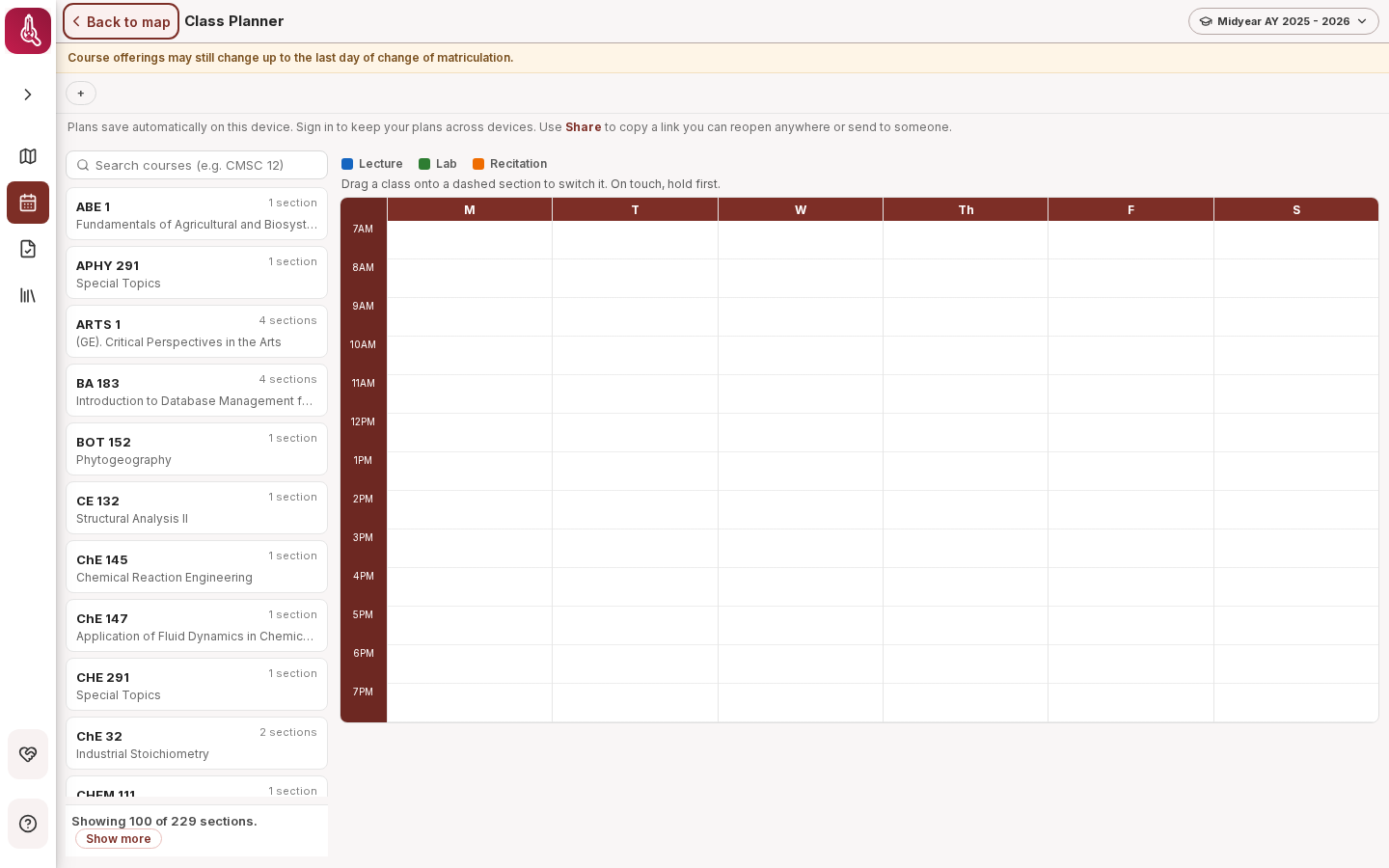
ADD A SECTION
03 / 04
Search.
Open. Add.
Search a course code, open its available sections, then use Add on the section that fits.
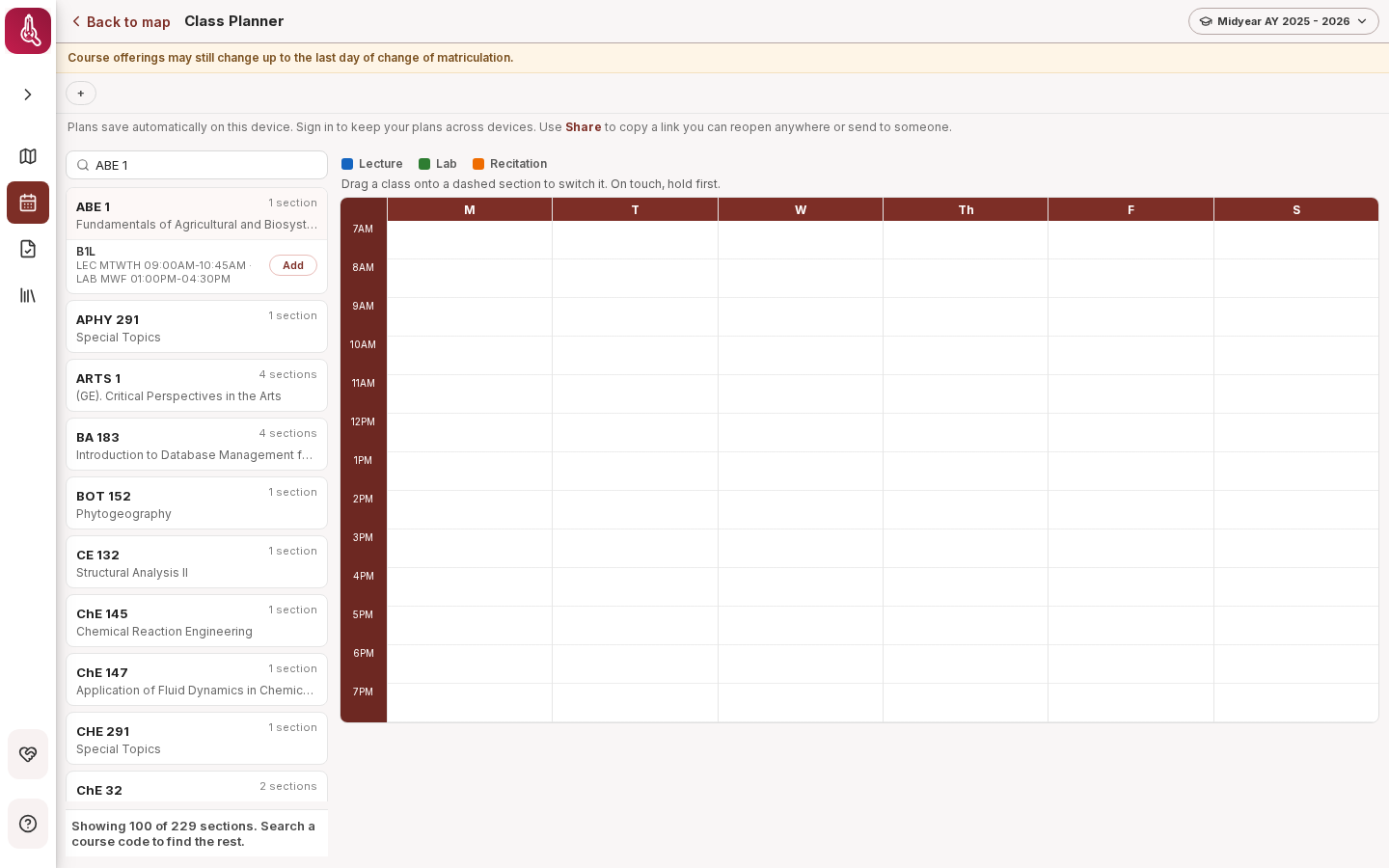
CHECK THE WEEK
04 / 04
Spot clashes
before they do.
The week view places each section by day and time. The conflict badge flags overlaps. Plans save on this device; Share creates a link.